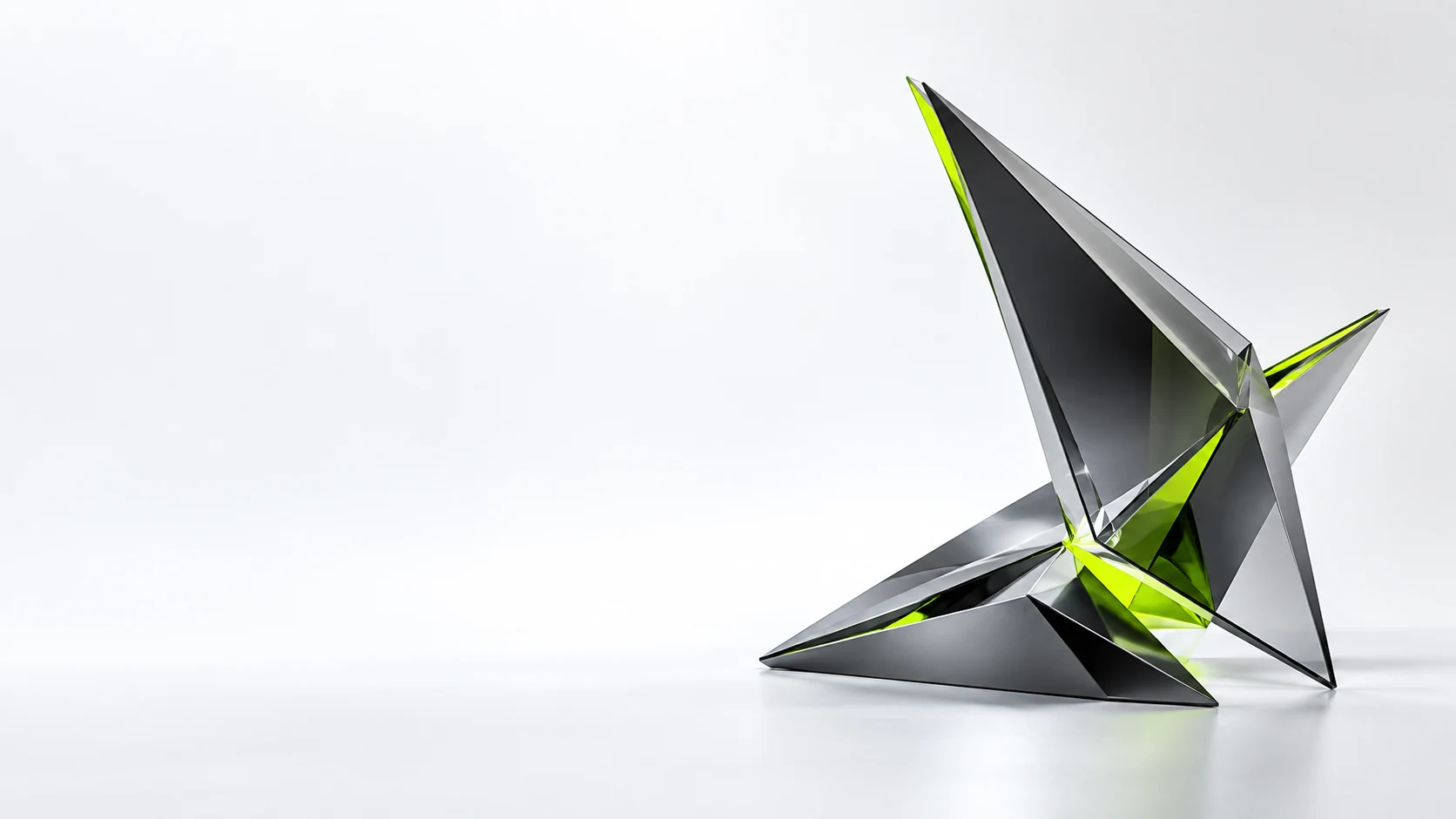
 STUDIO / 01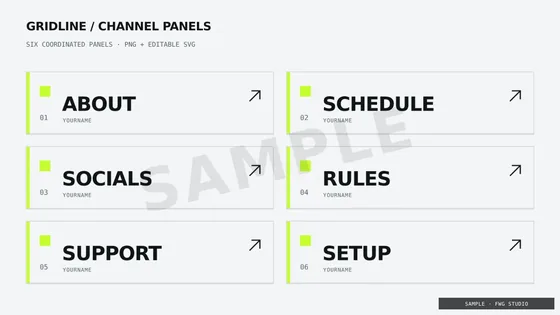
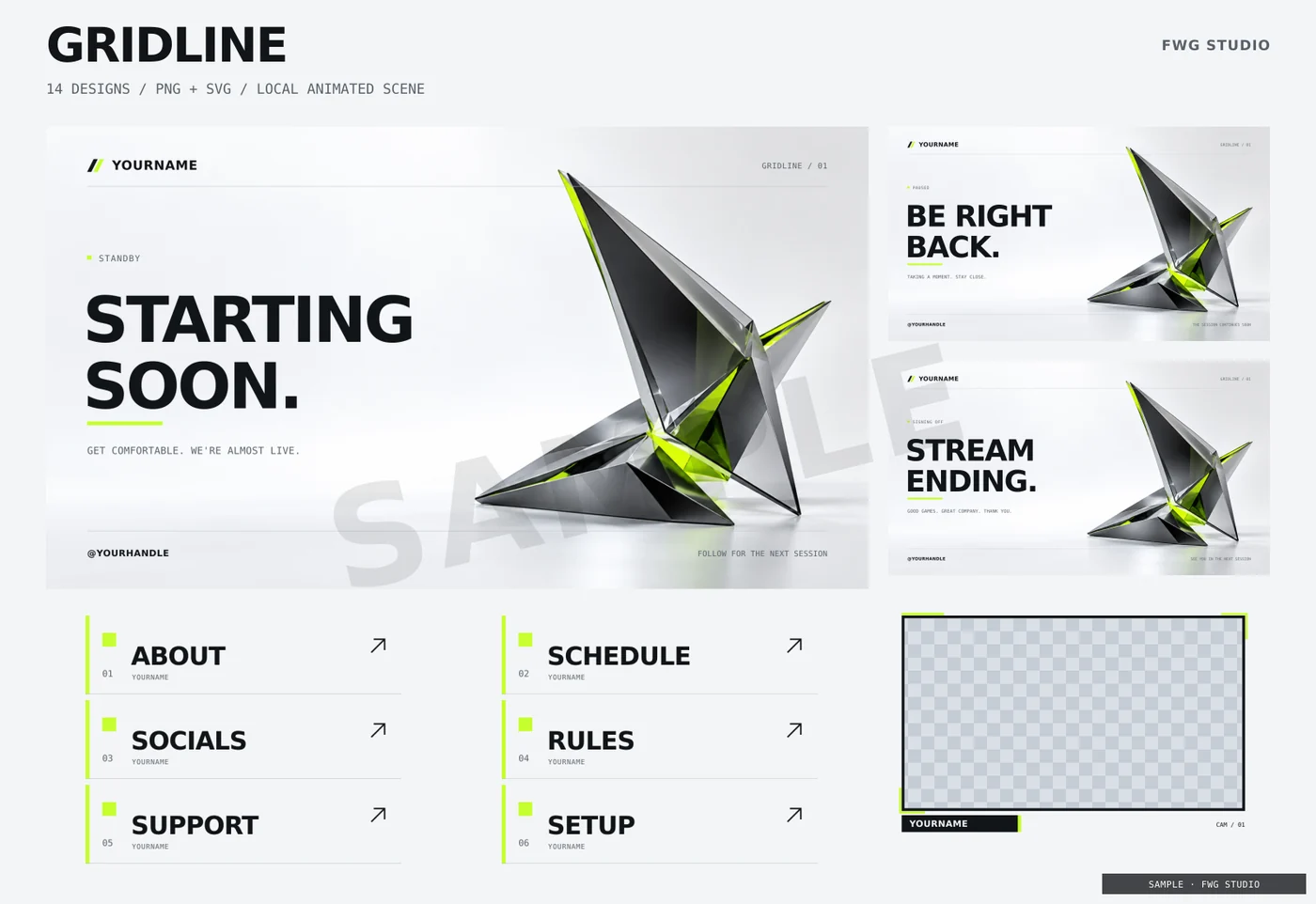
Gridline
Light · lime · geometric
Precision in every frame.
14 designs · PNG + editable SVG
Animated local HTML scene + personalizer
C$29 one-time · CAD
Matching graphics for every moment on stream. 9 OBS overlay packs with scenes, webcam frames and channel panels. Find your look, then make it yours.
C$29 per pack C$59 original trioOne-time purchase. Yours to keep.
Preview now: Gridline, Starting soon
Digital download: PNG, SVG and a local HTML personalizer. Set up in OBS with the included guide.
The stream packs
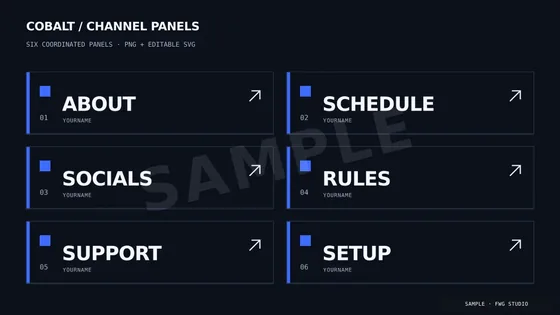
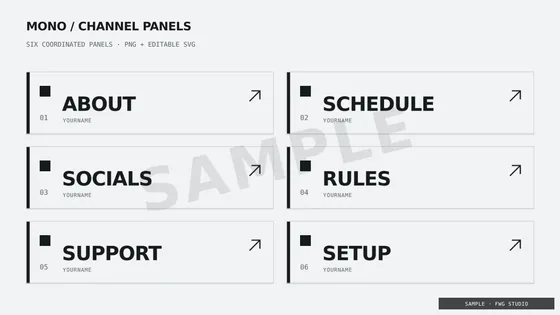
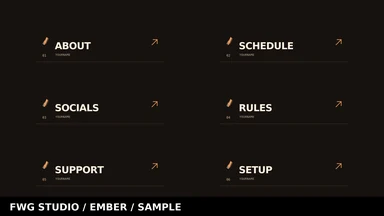
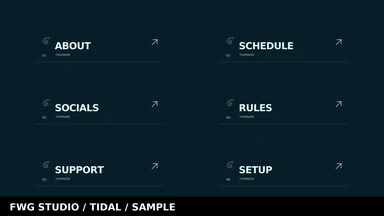
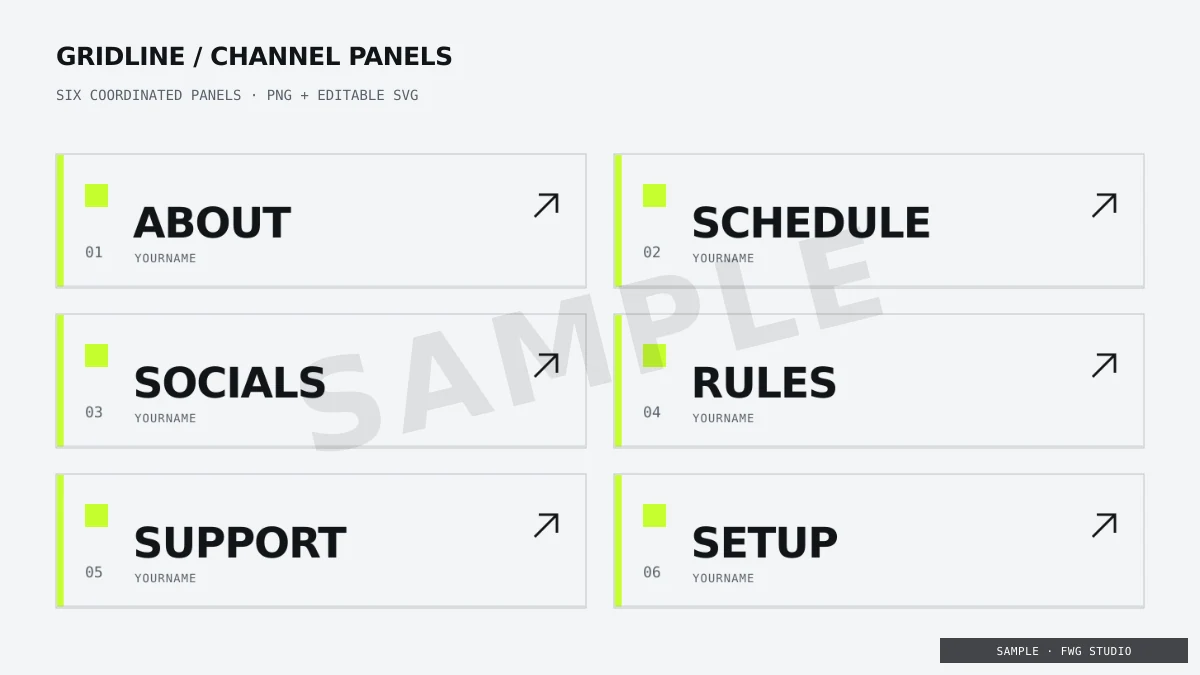
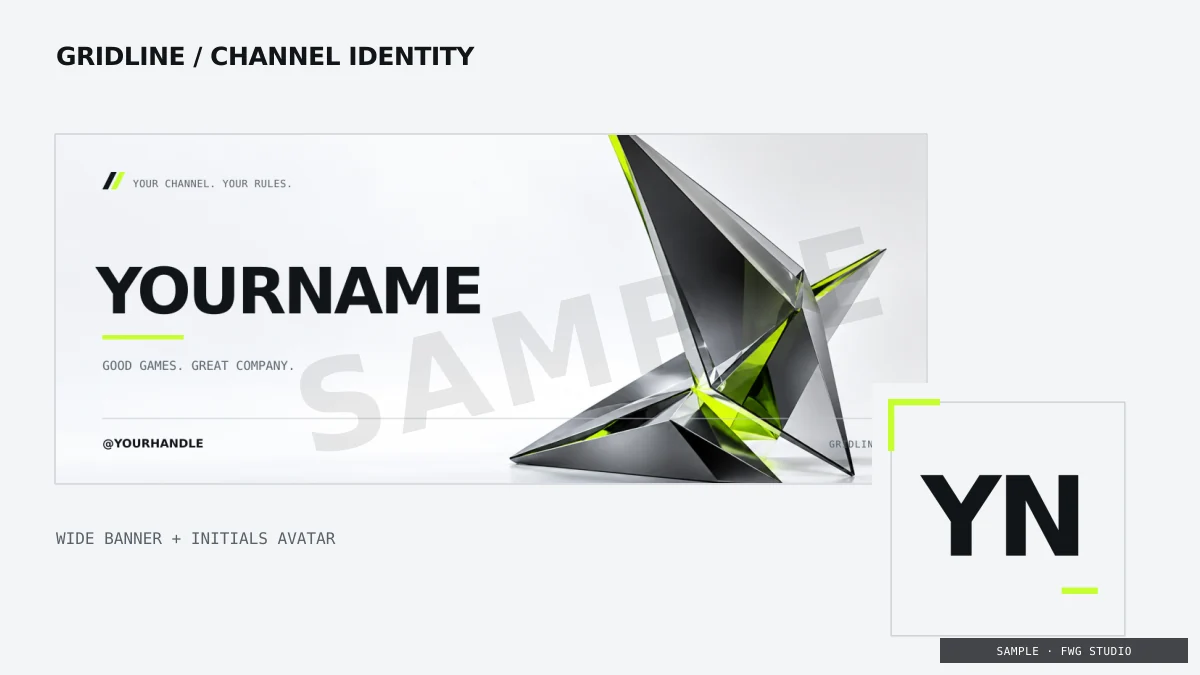
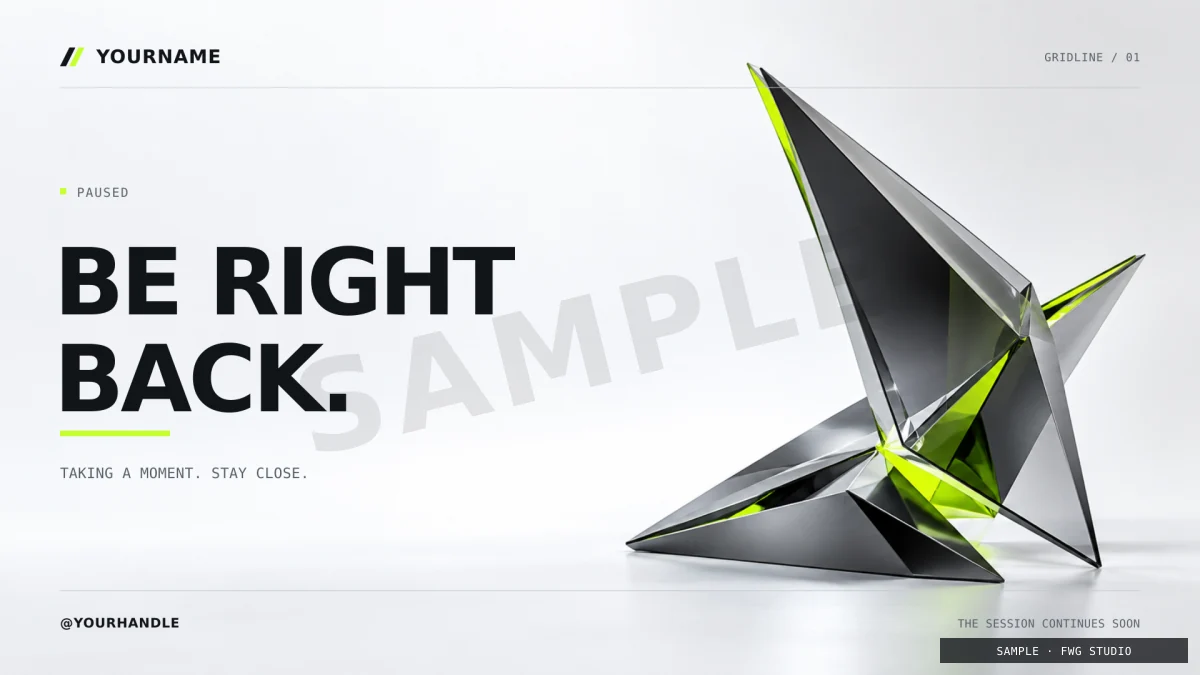
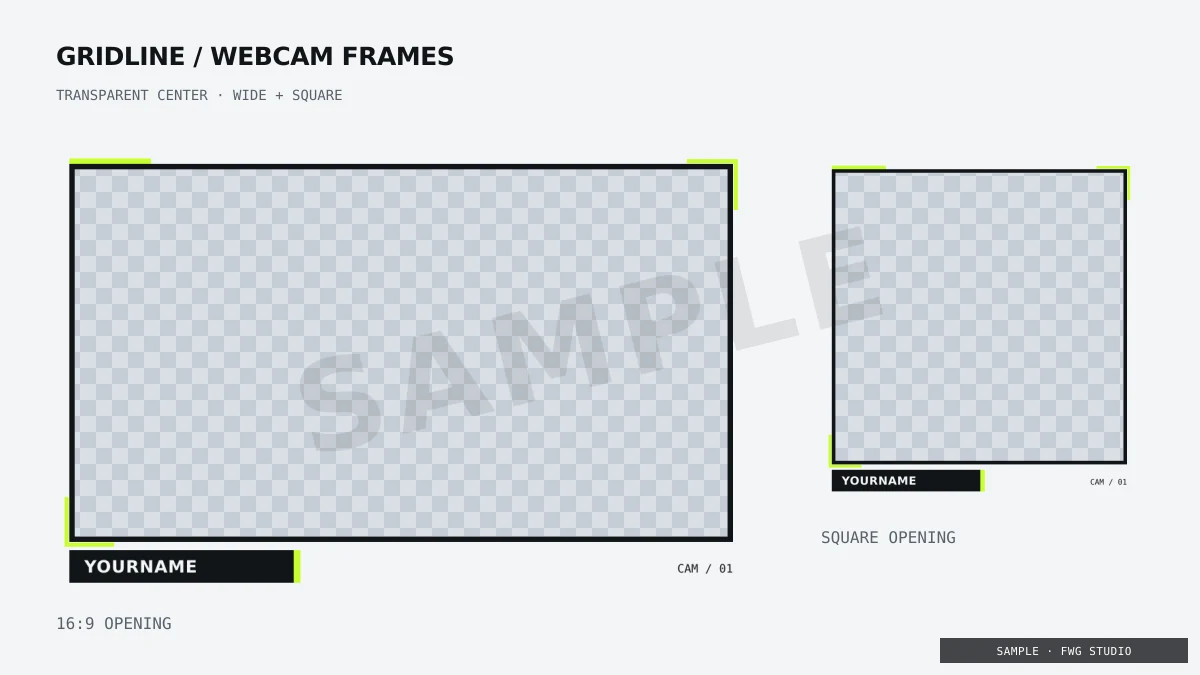
9 complete looks. Four scenes, two webcam frames, six panels, a banner and an avatar in every pack.
STUDIO / 01Light · lime · geometric
Precision in every frame.
14 designs · PNG + editable SVG
Animated local HTML scene + personalizer
C$29 one-time · CAD
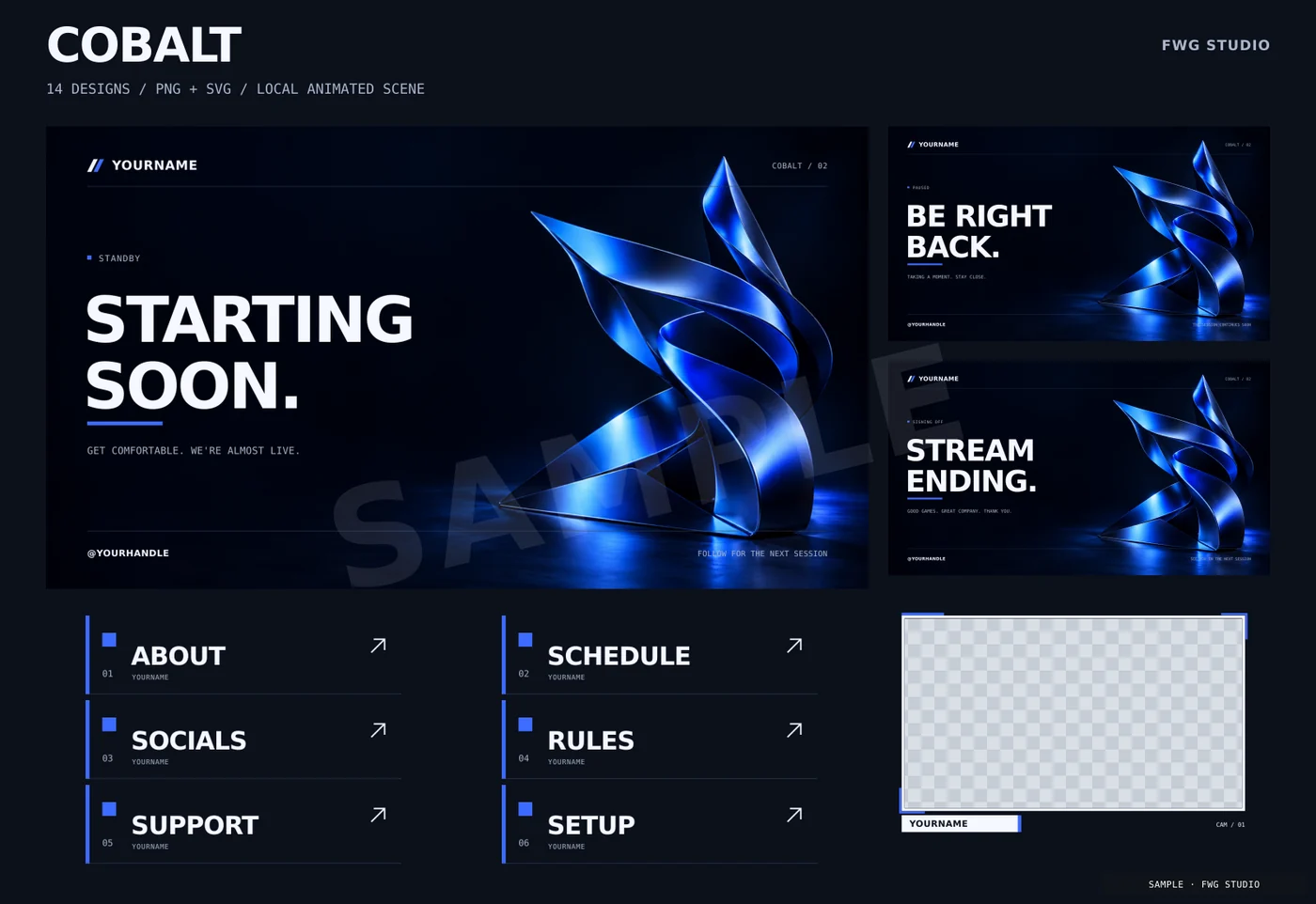
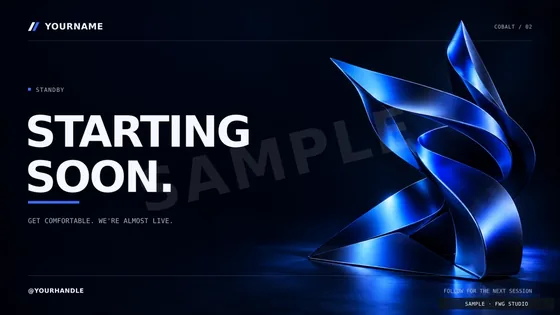
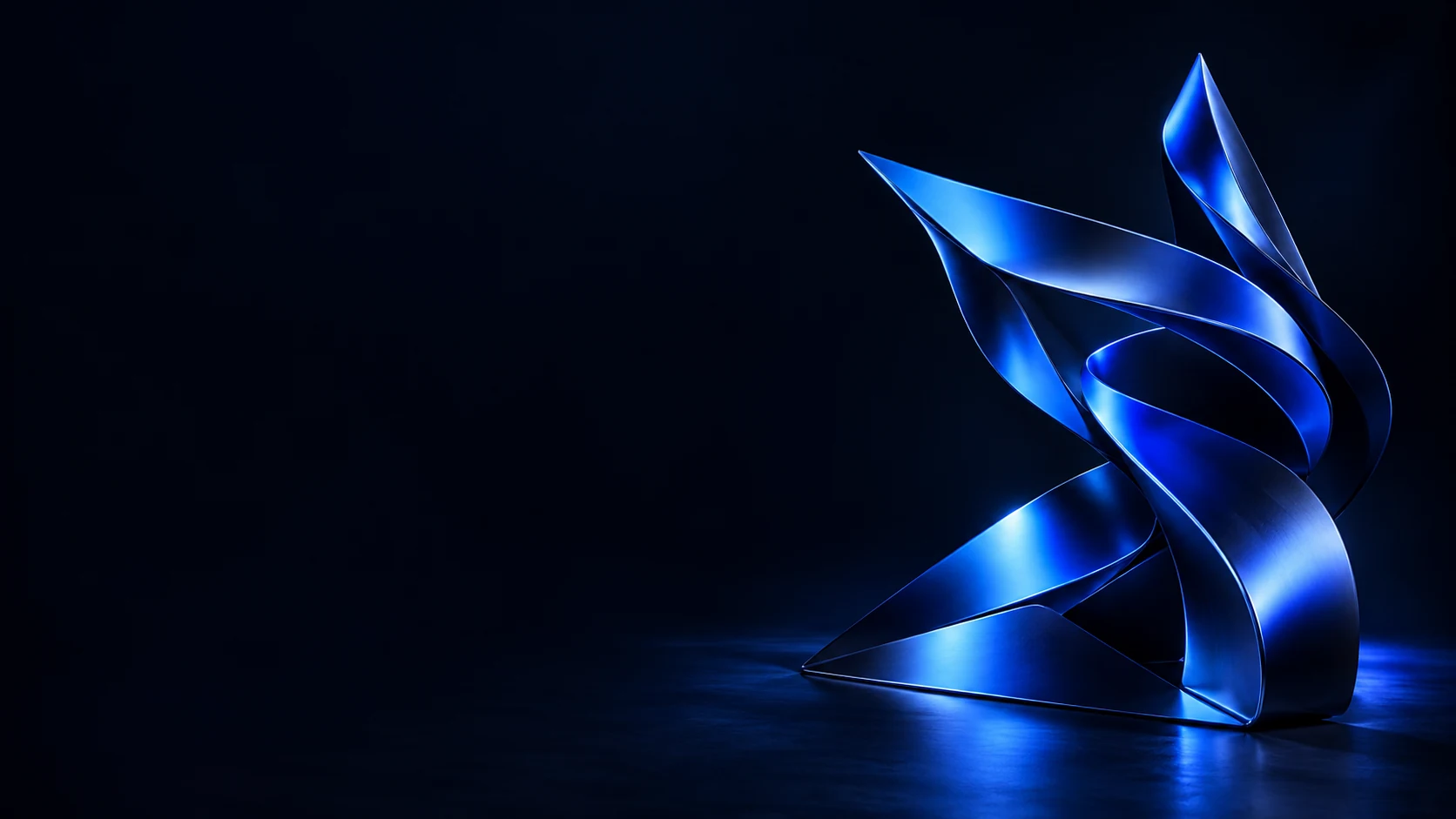 STUDIO / 02
Dark · blue · sculptural
A different kind of energy.
14 designs · PNG + editable SVG
Animated local HTML scene + personalizer
C$29 one-time · CAD
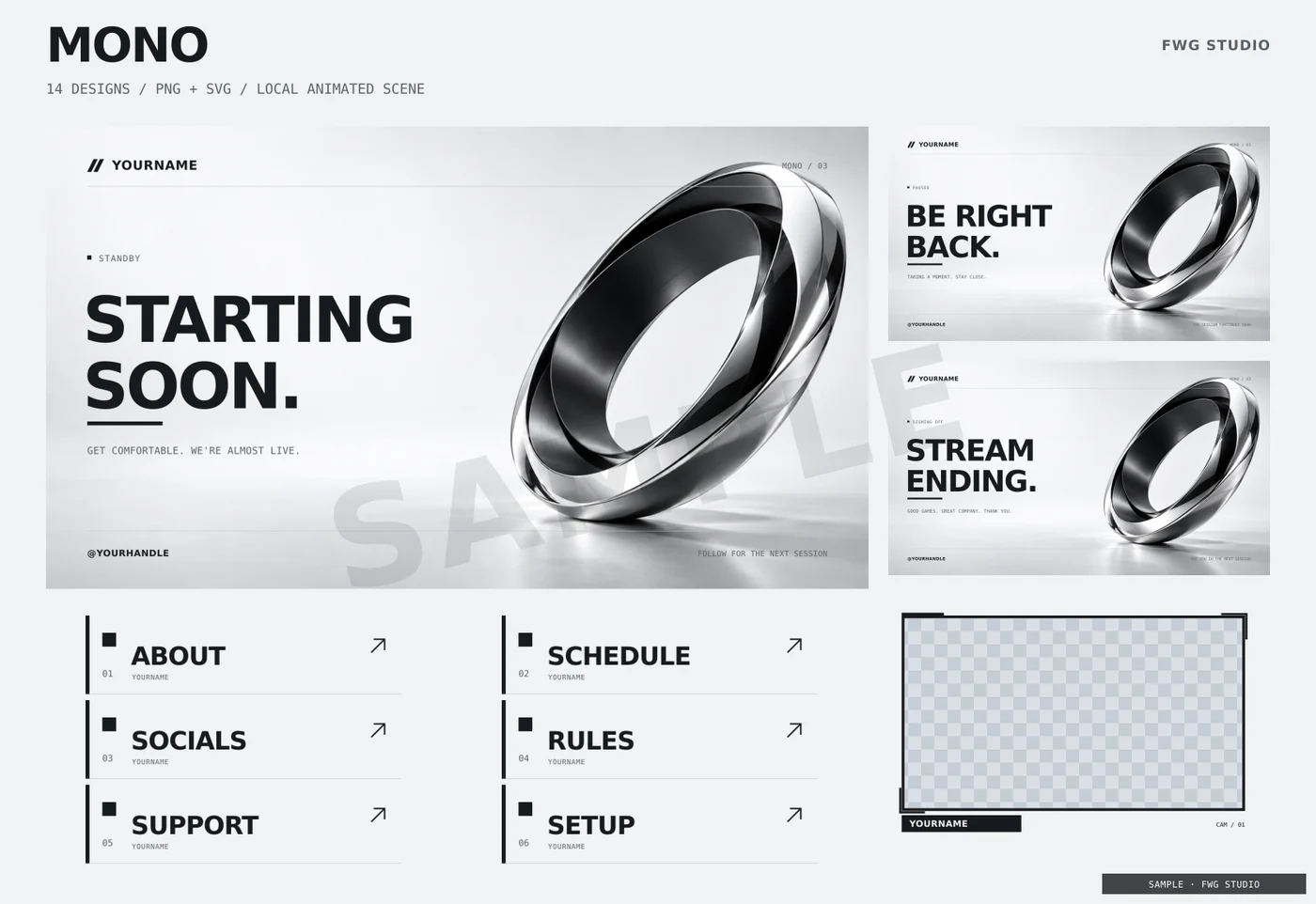
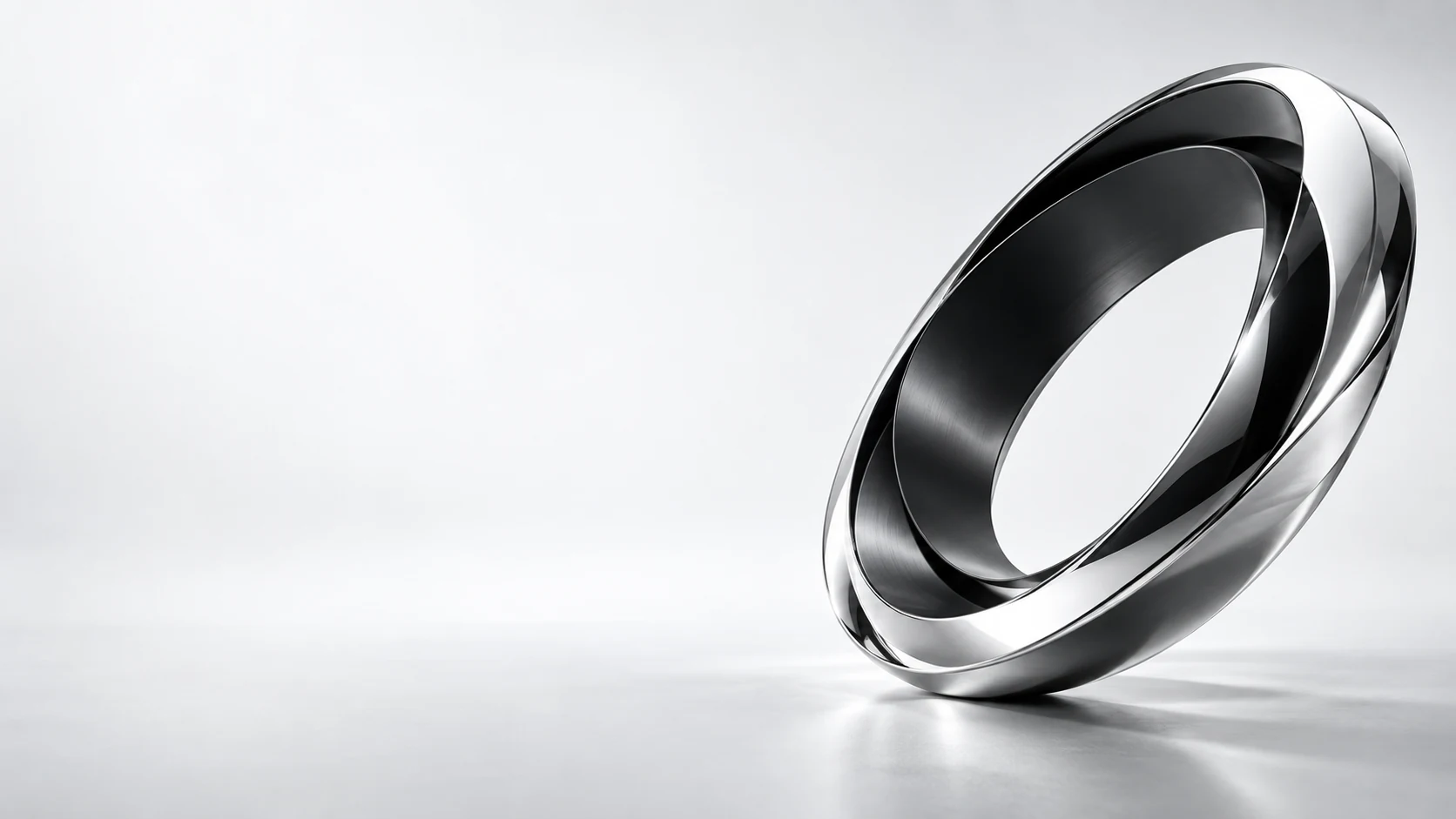 STUDIO / 03
Light · monochrome · minimal
Clarity, without compromise.
14 designs · PNG + editable SVG
Animated local HTML scene + personalizer
C$29 one-time · CAD
 STUDIO / 04
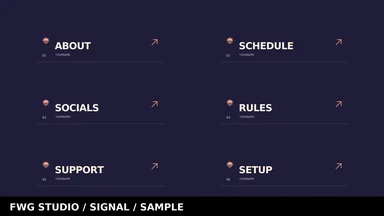
Dark · copper · angular
Built in the heat of the moment.
14 designs · PNG + editable SVG
Animated local HTML scene + personalizer
C$29 one-time · CAD
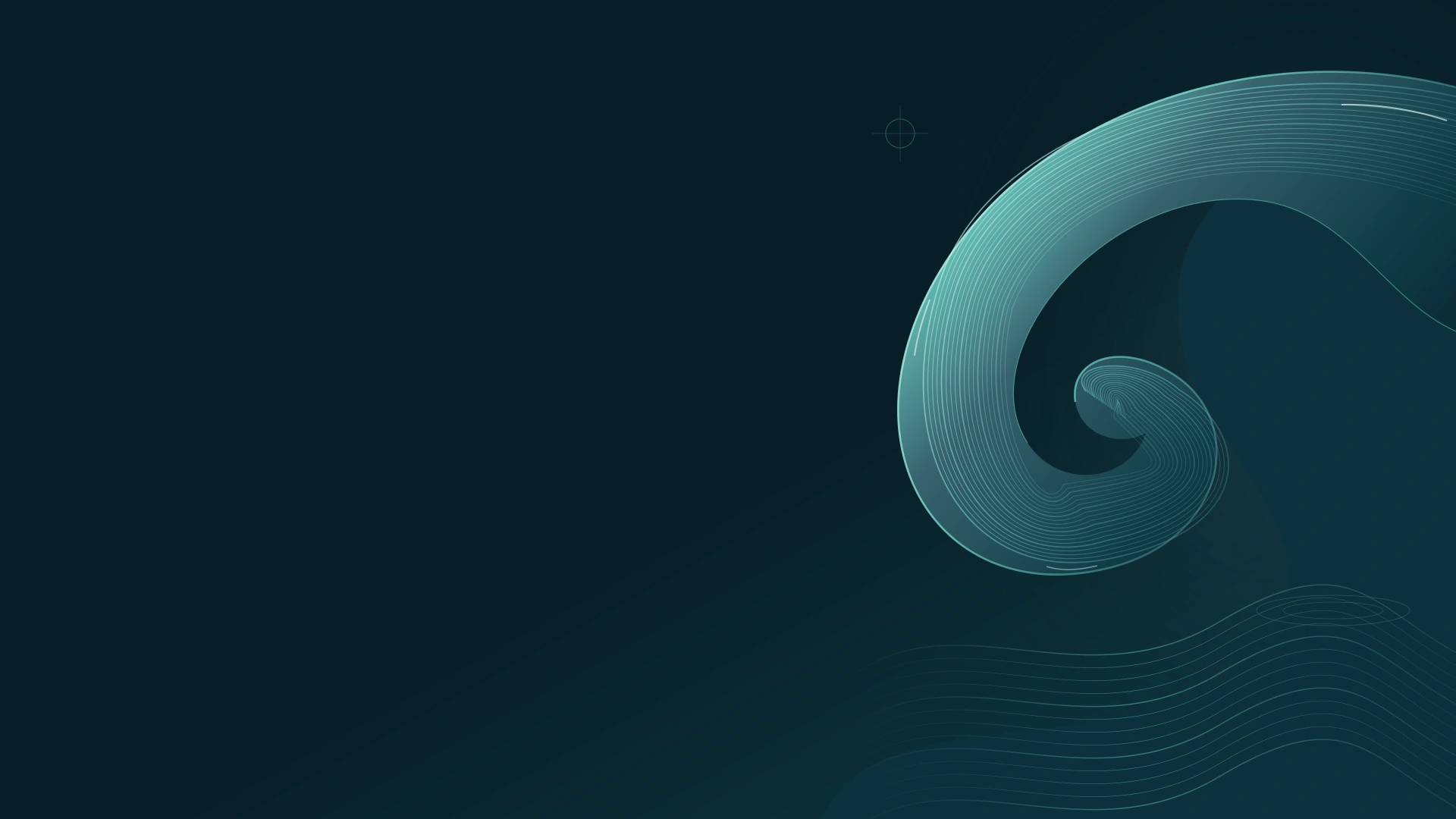 STUDIO / 05
Dark · seafoam · flowing
Find your own current.
14 designs · PNG + editable SVG
Animated local HTML scene + personalizer
C$29 one-time · CAD
 STUDIO / 06
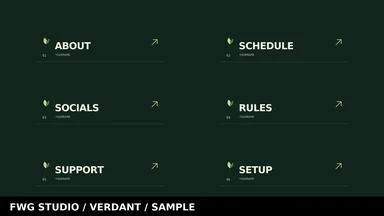
Dark · moss · botanical
Room to grow into your own.
14 designs · PNG + editable SVG
Animated local HTML scene + personalizer
C$29 one-time · CAD
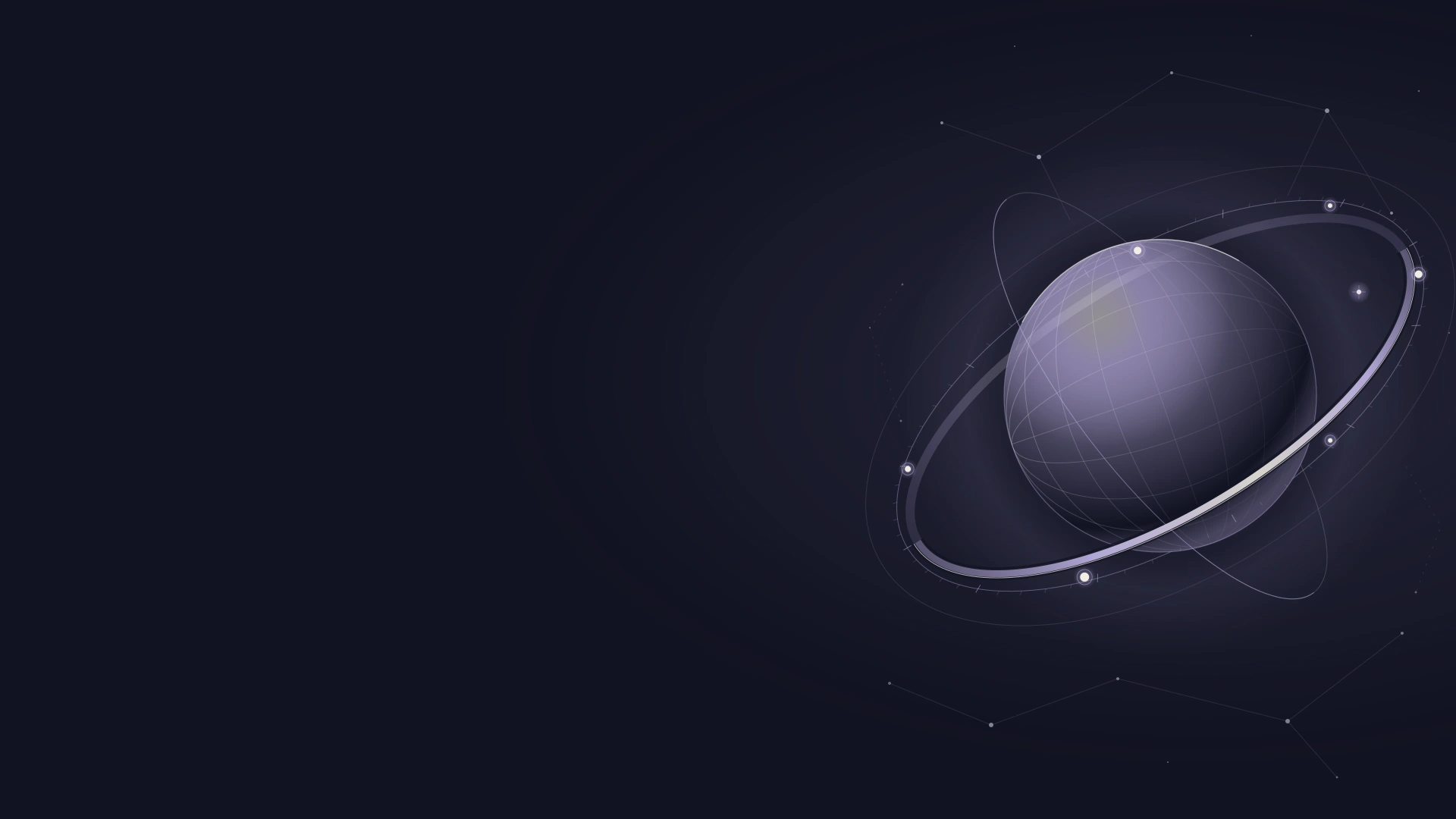 STUDIO / 07
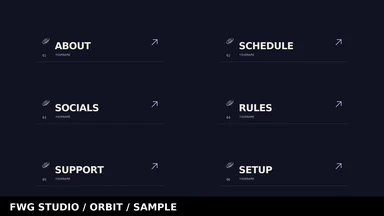
Dark · lilac · celestial
A new point of view.
14 designs · PNG + editable SVG
Animated local HTML scene + personalizer
C$29 one-time · CAD
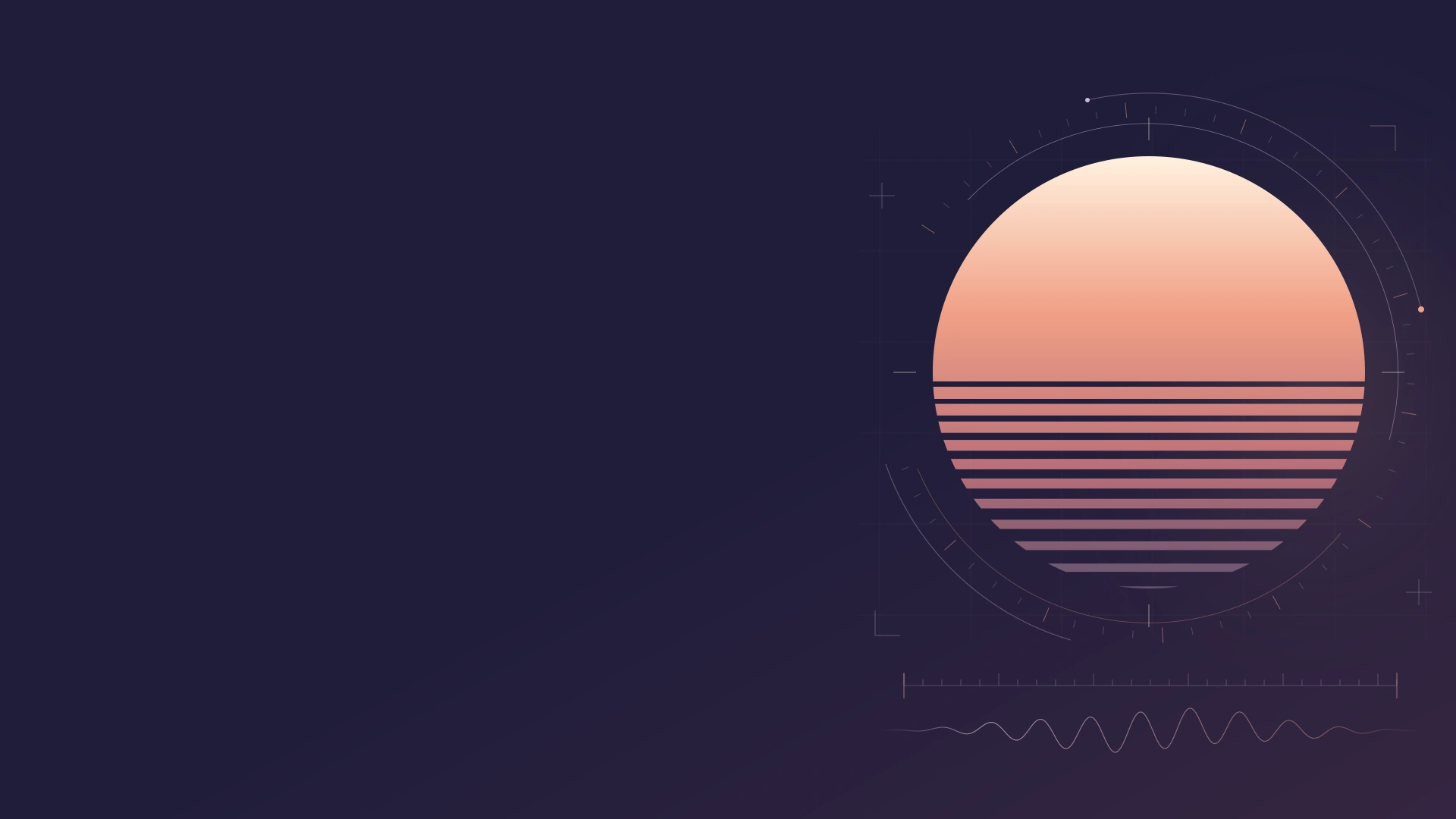 STUDIO / 08
Dark · coral · broadcast
Make your next broadcast count.
14 designs · PNG + editable SVG
Animated local HTML scene + personalizer
C$29 one-time · CAD
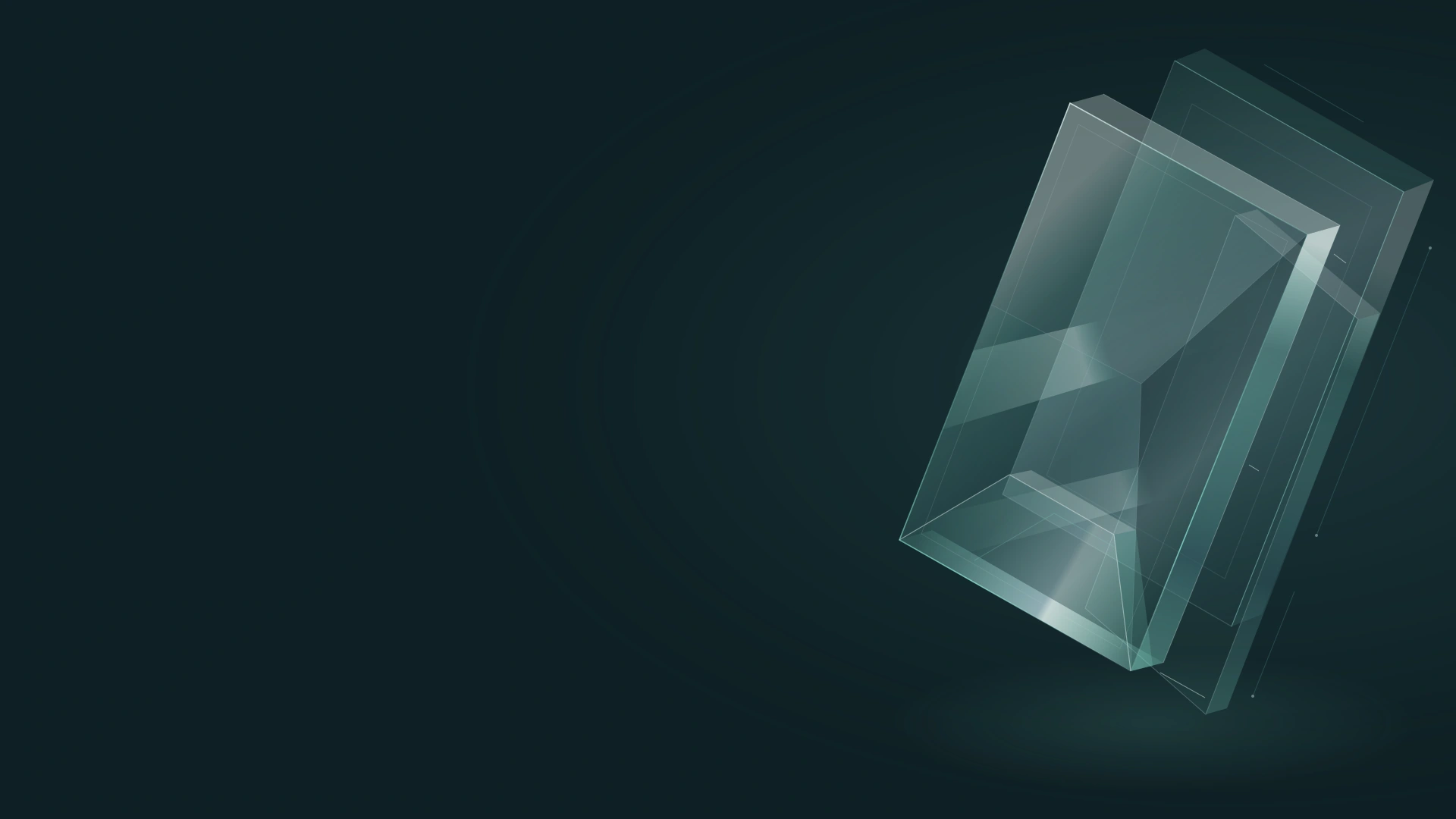 STUDIO / 09
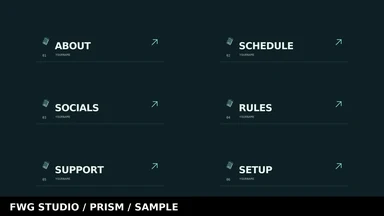
Dark · mint · faceted
A sharper way to see your stream.
14 designs · PNG + editable SVG
Animated local HTML scene + personalizer
C$29 one-time · CAD
One-time purchase in CAD. Download your files after payment, personalize the browser scene, then add the sources to OBS with the included guide.
Gridline, Cobalt + Mono · C$59 · Save C$28 compared with buying separately.
The Studio Collection
Gridline, Cobalt and Mono together: 42 designs, three scene personalizers and every source file. A complete set for wherever your channel goes next.
One-time purchase · CAD · PNG + editable SVG + local HTML
Inside every pack
Fourteen designs for your scenes, camera and channel page. Switch packs to explore the full system.
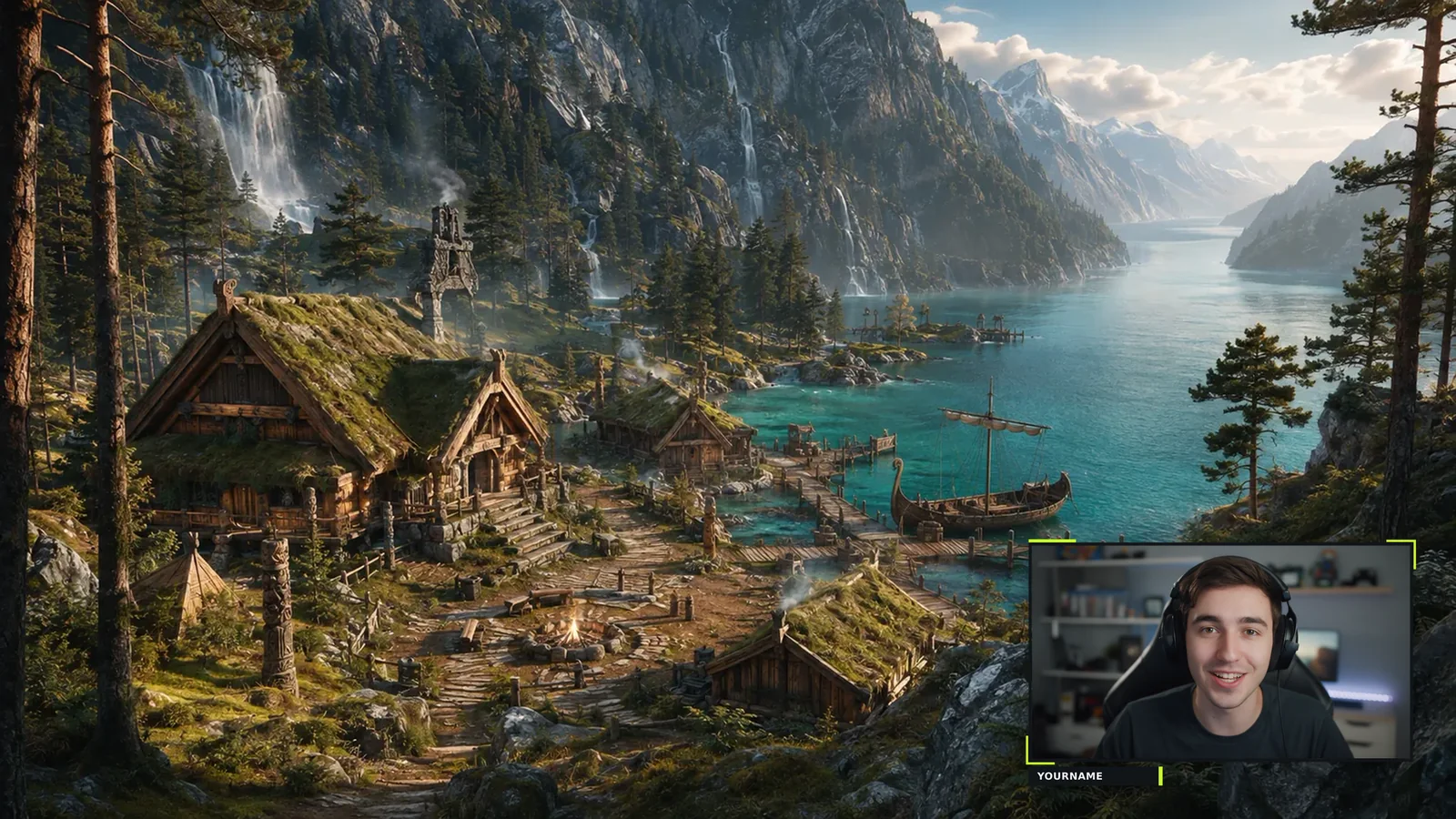
A closer look
Try your name on screen, inspect the artwork, or compare every direction.
Try every scene, check it at different sizes, and keep up to three favourite looks.
Open the preview lab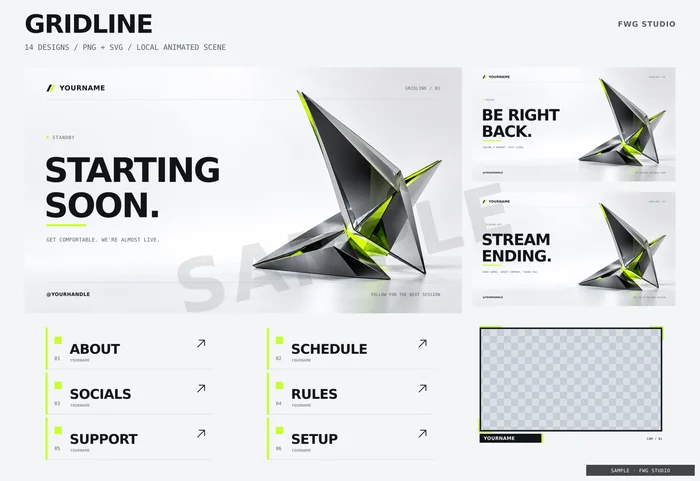
Search, sort and save 63 previews. Choose a gallery size and explore the details.
Explore the libraryPut your name on the same scene across all packs, or find your style match.
From checkout to OBS
Choose individual packs or the original three-pack collection, then pay with PayPal or a debit or credit card through PayPal’s secure checkout.
Your private download link appears as soon as the payment goes through, and we email it to you too. It works for 30 days.
Open the personalizer in your browser, type your name and handle, and export your animated scene. Edit the SVGs for everything else.
Add the scene to OBS as a Browser source and the PNGs as Image sources. The included guide walks you through it.
The studio field guide
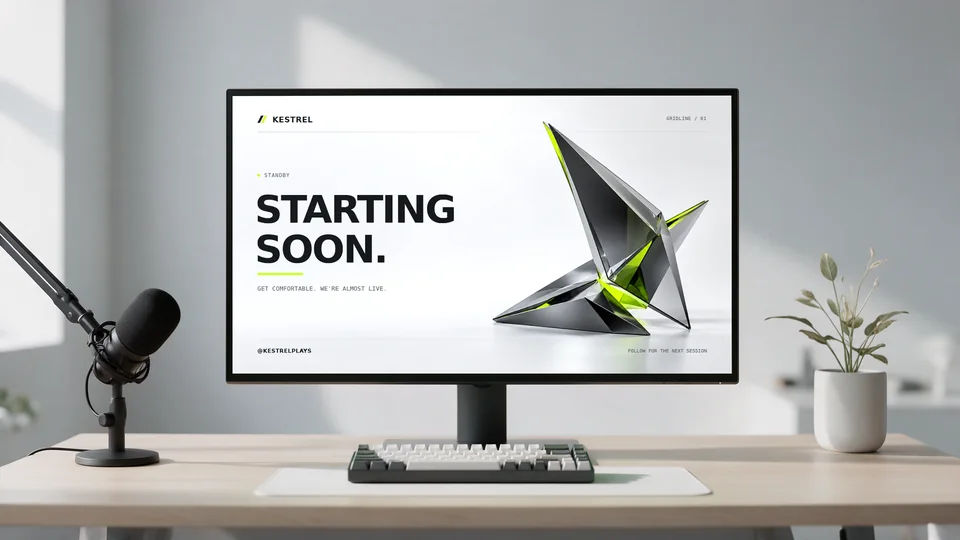 Illustrated desk setup
Build your OBS scenes, place your camera, and choose the right source for each file.
8 min read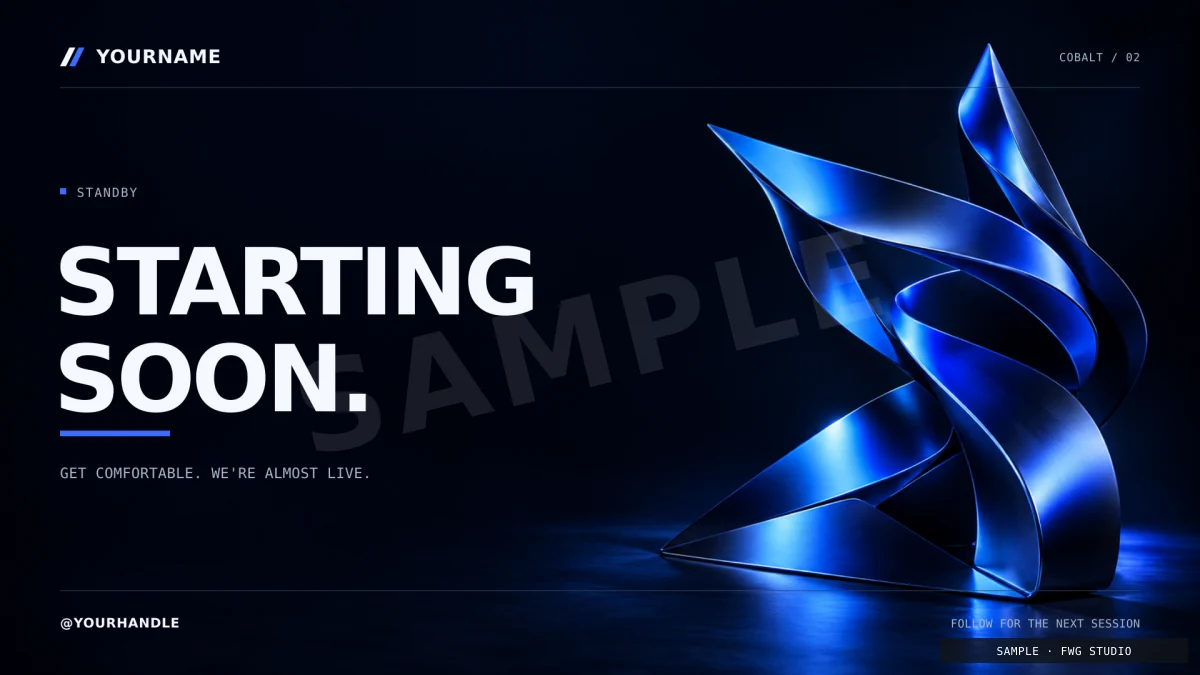 Cobalt scene preview
Choose the right source for static or moving artwork, export a local HTML scene, and check its motion before going live.
5 min read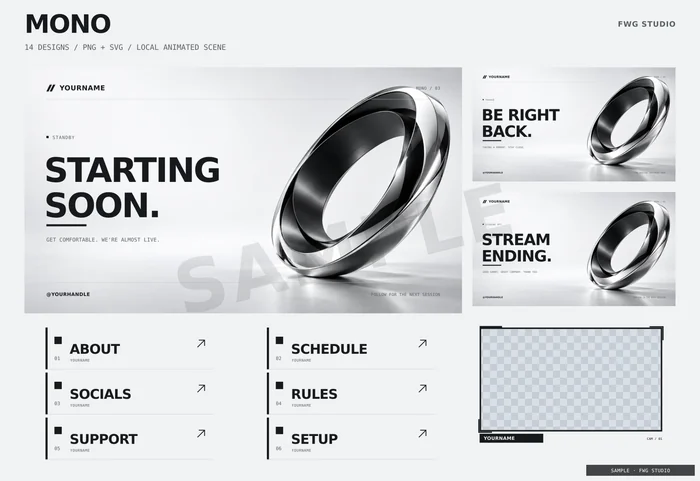 Mono pack overview
Plan Starting Soon, Live, BRB, and Ending scenes, rehearse transitions, and back up the scene collection with its source files.
6 min readChoose your scenes and camera frame. Download a checklist to follow in OBS.
Start with the free sample
Two PNGs: a full-resolution starting screen and the About panel, plus a quick setup guide. No email, no account.
Download the free sampleZIP, 1.5 MB. Free for your own channels.
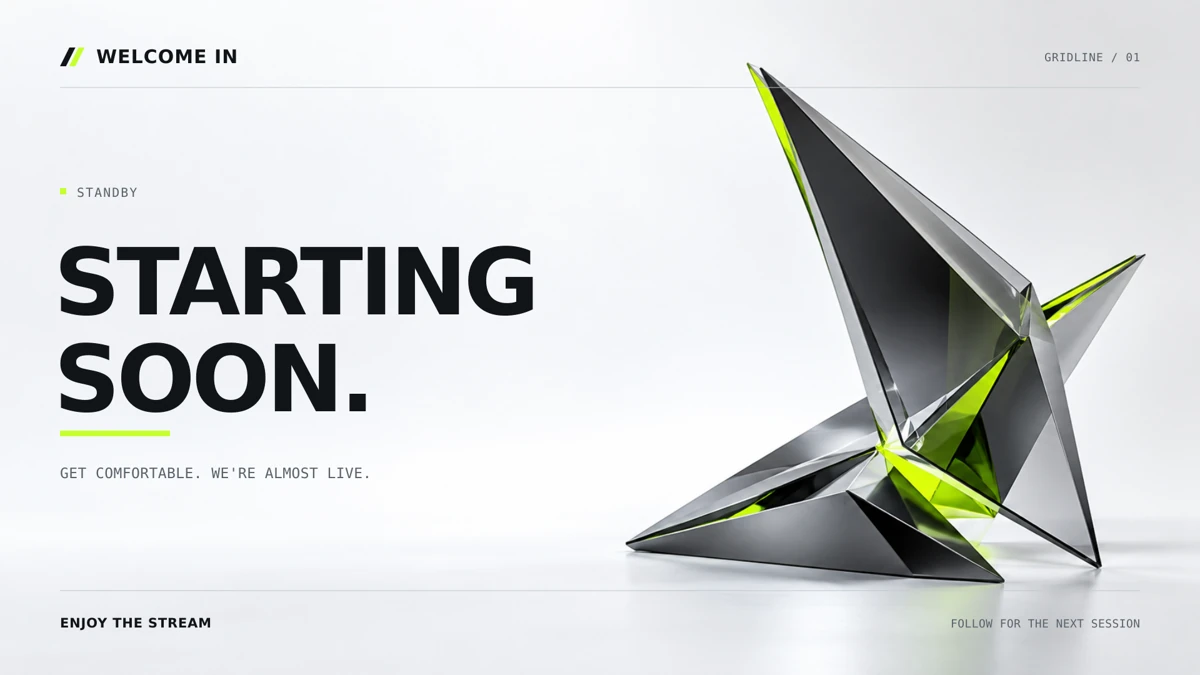
Fourteen designs: four 1920 × 1080 scenes (starting soon, be right back, stream ending, offline), two transparent webcam frames (wide and square), six 640 × 160 channel panels, a 1200 × 480 banner and a 512 × 512 avatar. Every design comes as a PNG and an editable SVG. You also get an animated browser scene with its personalizer, the fonts, setup instructions and the licence. Emotes, alerts, sound, video files and automatic installation are not included.
As soon as your payment goes through, your download page opens with a button for each ZIP. We also email the private link to the address on your PayPal payment. The link works for 30 days, with up to 10 downloads per file. Lost it? Email us and we’ll send a fresh one.
Add each PNG as an Image source. For the animated scene, add a Browser source, tick Local file, choose the HTML file you exported from the personalizer and set it to 1920 × 1080. The included guide walks through both. Other streaming apps that support image and browser overlays work in a similar way.
Open PERSONALIZE.html in a desktop browser to set your name, handle, tagline, scene and motion, then download your scene for OBS. The PNGs read YOURNAME as supplied; to personalise them, or to change colours, edit the SVG files in any vector editor (the fonts are included) and export new PNGs.
Yes. You can use and adapt them on your own channels, including monetized streams and videos. You can’t resell or redistribute the files or templates. Packs are non-exclusive. Gridline, Cobalt and Mono use AI-assisted backgrounds; Ember, Tidal, Verdant, Orbit, Signal and Prism use original vector artwork. Read the licence.
No. PayPal’s checkout also takes debit and credit cards, and in most countries you can pay without creating an account. Prices are in Canadian dollars; if your card is in another currency, your bank converts it.
Email support@fwg.world within 14 days and we’ll fix it or refund you. Because packs are delivered instantly, sales are otherwise final once a pack has been downloaded. Refund policy.
FWG Studio is a store by ForgeWorld Gaming (fwg.world), run by Mackenzie Morton in Ottawa, Ontario, Canada.